A live wedding photo slideshow is a digital display system that pulls images uploaded by your guests onto a central screen during the reception.
How do I set up a live wedding slideshow?
You can set up a live wedding slideshow by selecting a web-based photo sharing service that generates a QR code for your guests to use. Avoid systems that require guests to download an application, as this creates friction and reduces participation rates. Look for a service that provides a dedicated web browser interface where guests scan a code, snap or upload a photo, and hit submit. The backend of these systems should feature a slideshow mode that automatically refreshes to include new arrivals. Ensure the platform you choose provides a simple way to cast or connect a laptop to your venue's television or projector screen to make the stream visible to everyone in the room.
What equipment do I need for the screen?
You do not need professional audiovisual equipment to host a live slideshow, as most wedding venues provide the hardware you need for your presentation. A standard television on a rolling stand or a ceiling-mounted projector screen is sufficient for displaying guest content. You will need a reliable laptop or tablet to act as the source device. This computer must stay connected to a stable Wi-Fi network throughout the duration of the event to ensure that the uploads reach the slideshow in real-time. Connect your laptop to the venue's screen using an HDMI cable to ensure a steady, high-quality signal. Some modern venues also allow for wireless screen casting, but a physical cable remains the most reliable method for an uninterrupted display during your speeches or dancing.
How do I get guests to use the photo link?
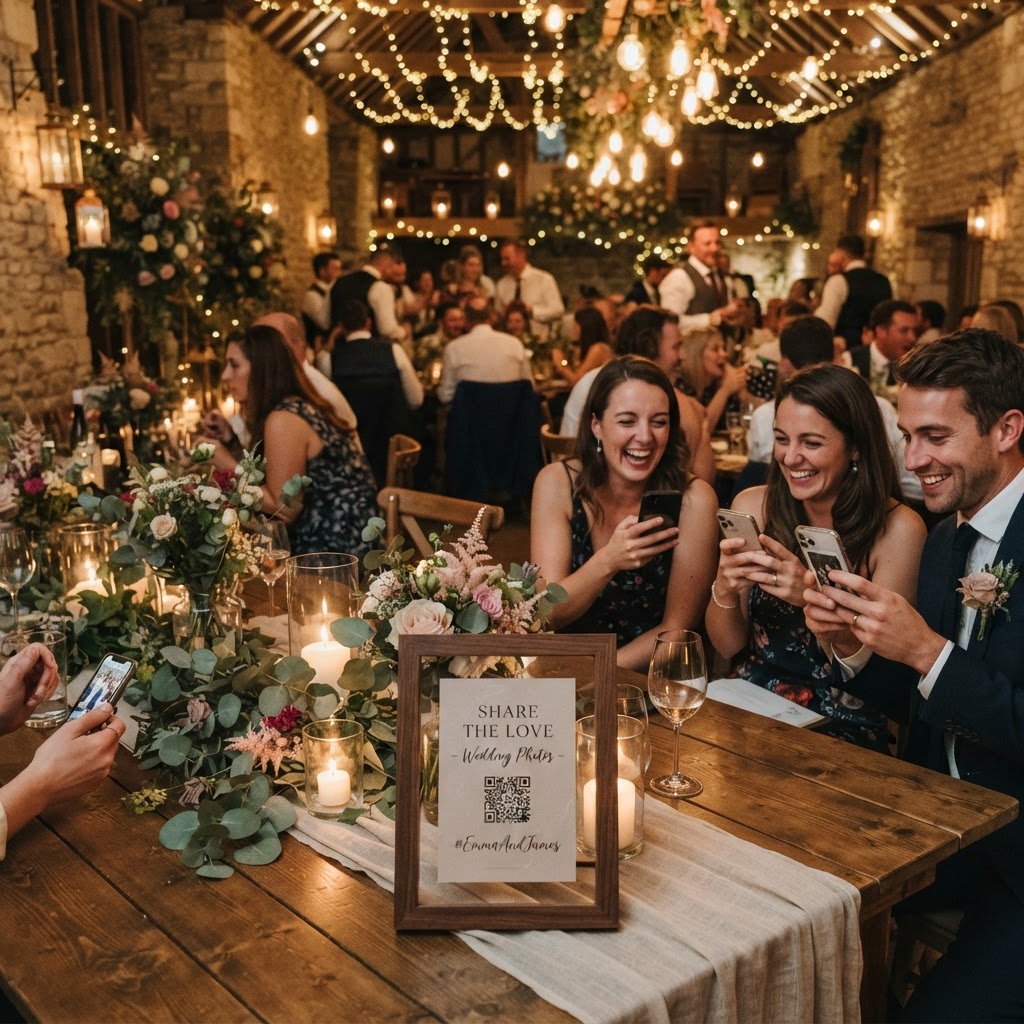
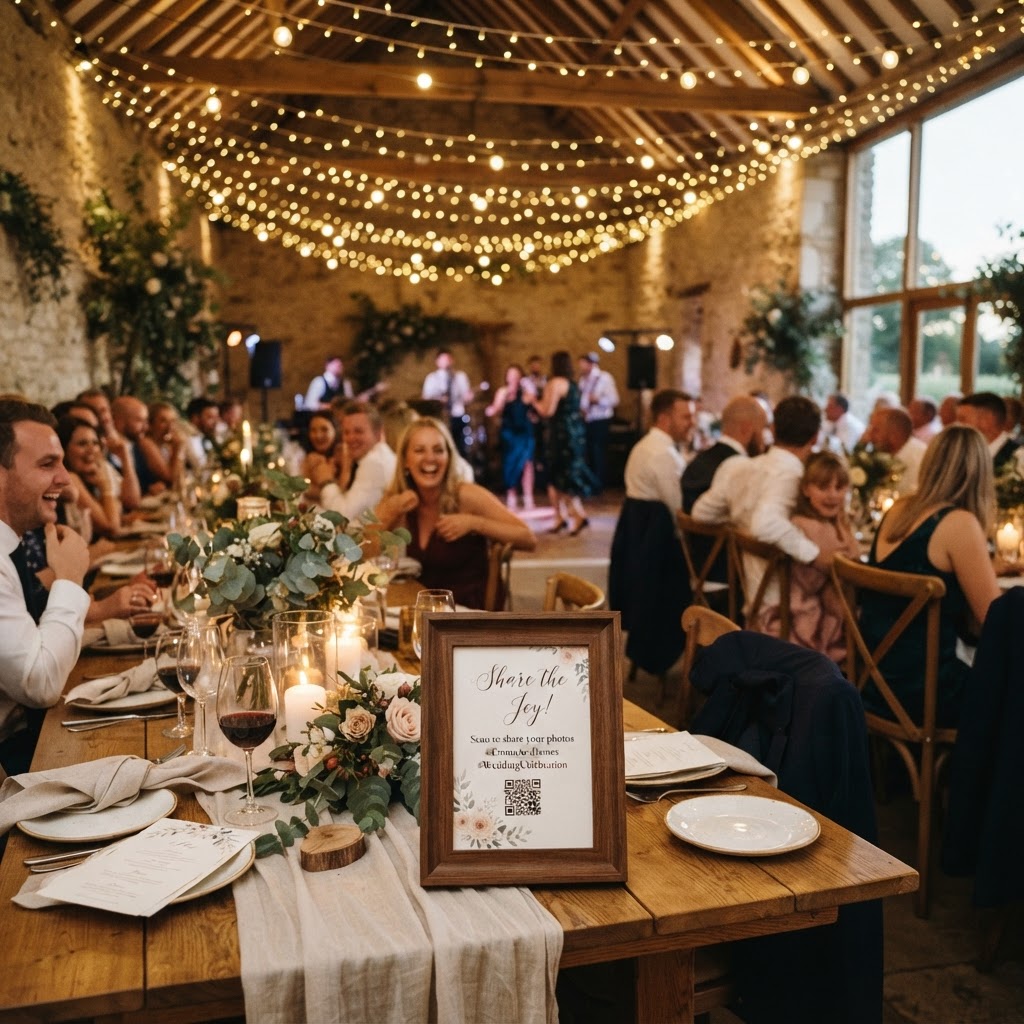
The most effective way to encourage participation is to integrate the QR code into your physical table settings and central venue signage. Print small, elegant cards and place one at every place setting or in the centre of each table to ensure guests know exactly where to find the link. Clearly label these cards with a simple instruction like Scan to share your photos or Add your memory to our live wall. You should also ask your master of ceremonies or DJ to make occasional, brief announcements. A quick reminder during dinner or before the first dance helps guests remember to upload their favourite candids. Ensure the visual cue remains visible throughout the evening, perhaps by placing the code near the bar area where guests spend a significant amount of time.
How can I make the slideshow more interactive?
You can make the slideshow more interactive by running themed photo challenges throughout the night to keep people engaged with the process. Assign specific tasks, such as asking for a photo of their favourite dance floor moment, a candid shot of the couple, or a selfie from their specific table. You could even use a green screen photobooth mode if your chosen platform supports it, allowing guests to insert themselves into fun digital backdrops. Keep the momentum high by running a live photo countdown leading up to the cake cutting or the bouquet toss. If your platform supports video guestbook messages, encourage guests to leave short clips expressing their congratulations, which can then be played back for everyone to see. Treating the slideshow as an evolving part of the event decor makes the technology feel like a genuine contributor to the atmosphere rather than a static distraction.
What should I know about storage and deletion?
Understanding the storage limits of your chosen platform is essential for managing your expectations regarding your wedding memories. Most services that offer live, interactive slideshows are designed for the event itself rather than long-term digital storage. For example, guests can typically upload their photos for up to seven days after the event date, which allows time for people to sort through their cameras while travelling home. However, the gallery is usually deleted from the server 90 days after the event has concluded. You must treat these platforms as a temporary collection tool rather than a permanent archive. Ensure you download the entire collection of photos and videos to your own personal computer or a cloud storage drive before the expiration date to avoid losing the footage forever. This process is usually straightforward and takes only a few minutes, provided you have a stable internet connection.
Is a live slideshow worth the cost?
A live slideshow is worth the cost if you want to capture candid moments that your hired photographer might miss while keeping guests entertained during transition periods. With a typical fee of approximately £39 for a single event, the cost is modest compared to other wedding expenses and covers the entire duration of your reception. Since there is no ongoing subscription, you only pay once, which makes it a predictable addition to your budget. The lack of an app download requirement ensures that even the least tech-savvy guests can participate without difficulty. Consider this a low-risk investment in your wedding's social dynamic, provided you remember to download your files to your own devices before the 90-day deletion period arrives. Creating a shared digital space for your friends and family is a simple way to enhance the celebration, and systems like Moment49 facilitate this by providing a clean, browser-based experience for every guest in attendance.