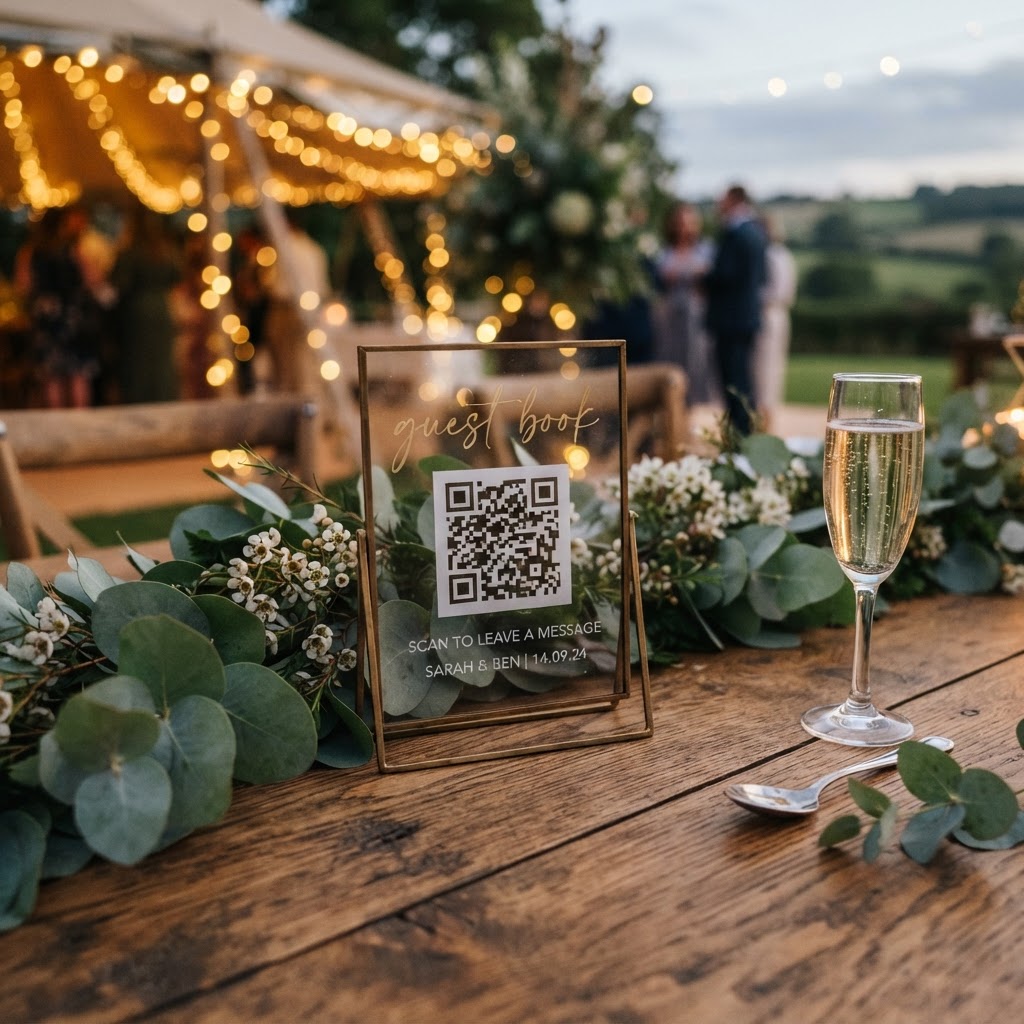
Wedding photo sharing is the practice of collecting candid images and video clips captured by your guests throughout your wedding celebration.
How do I collect wedding photos from my guests without an app?
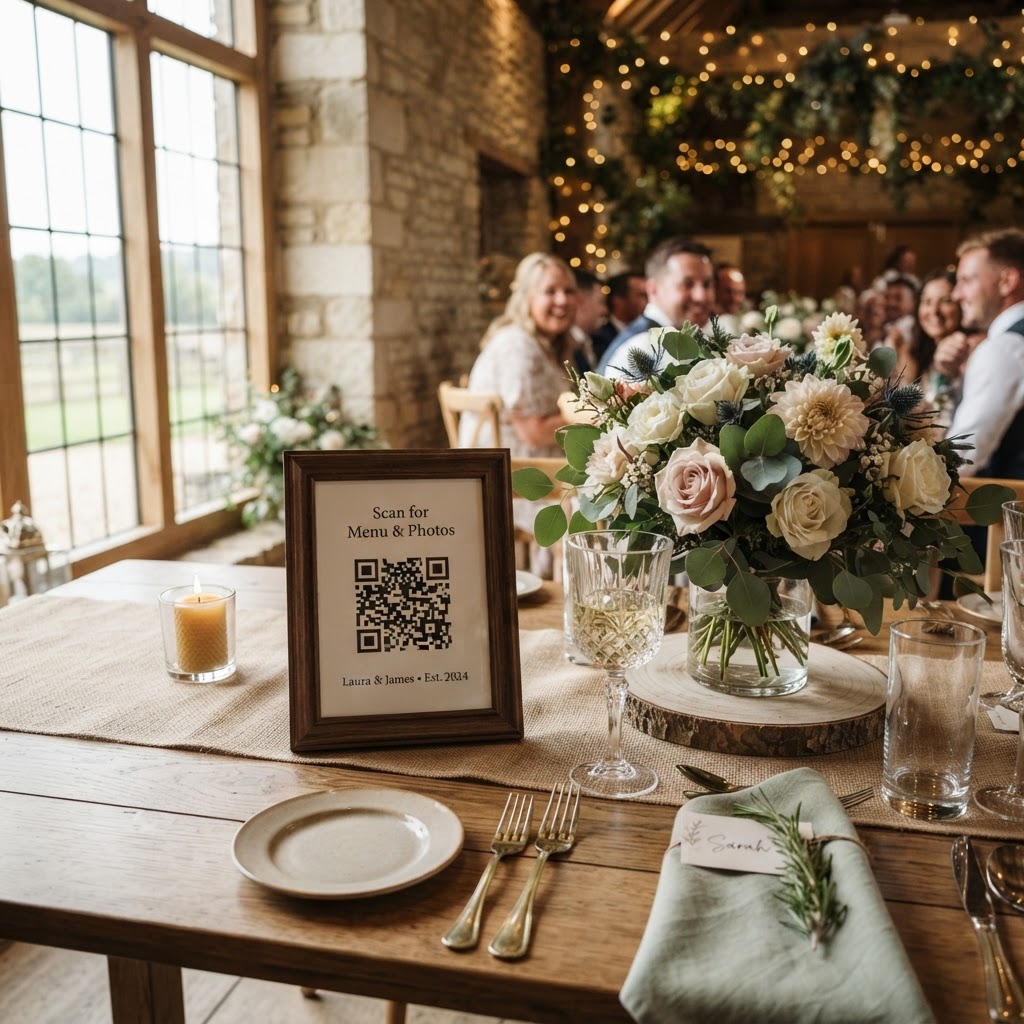
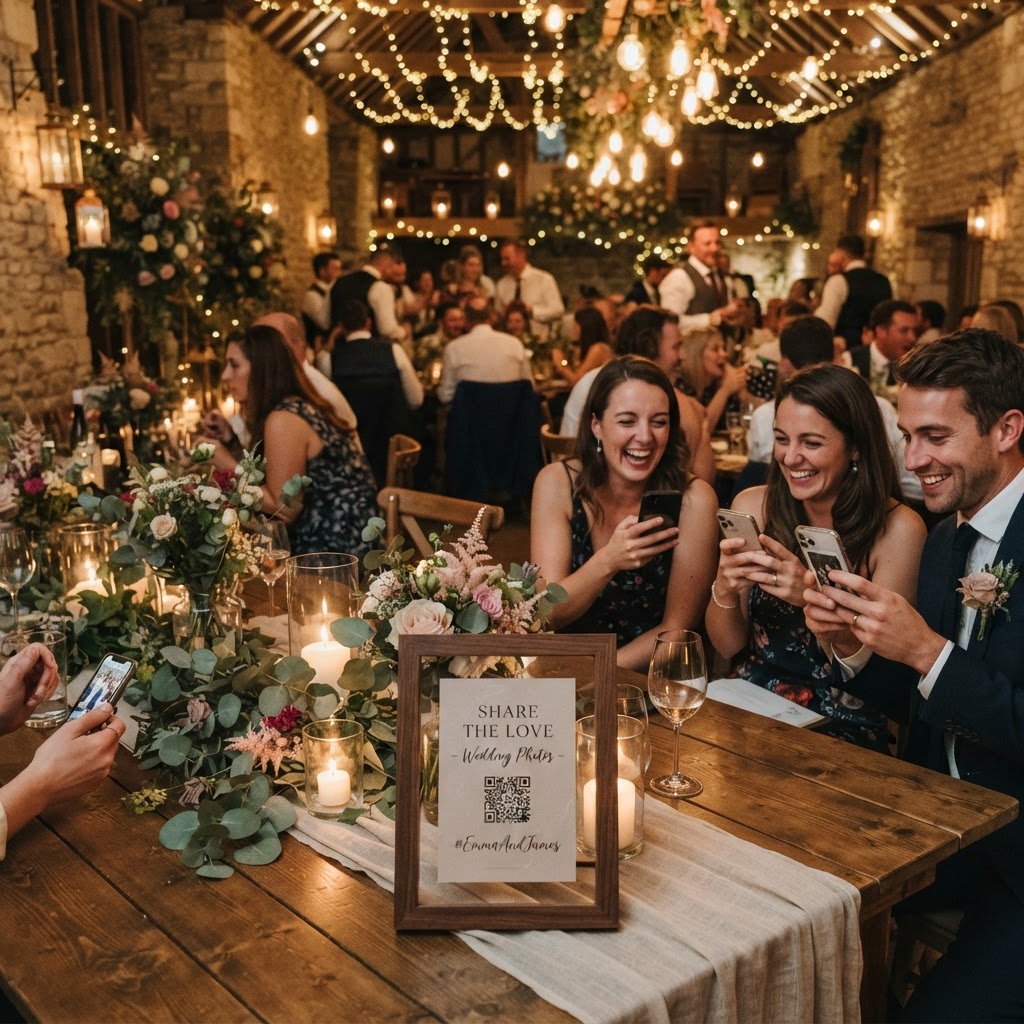
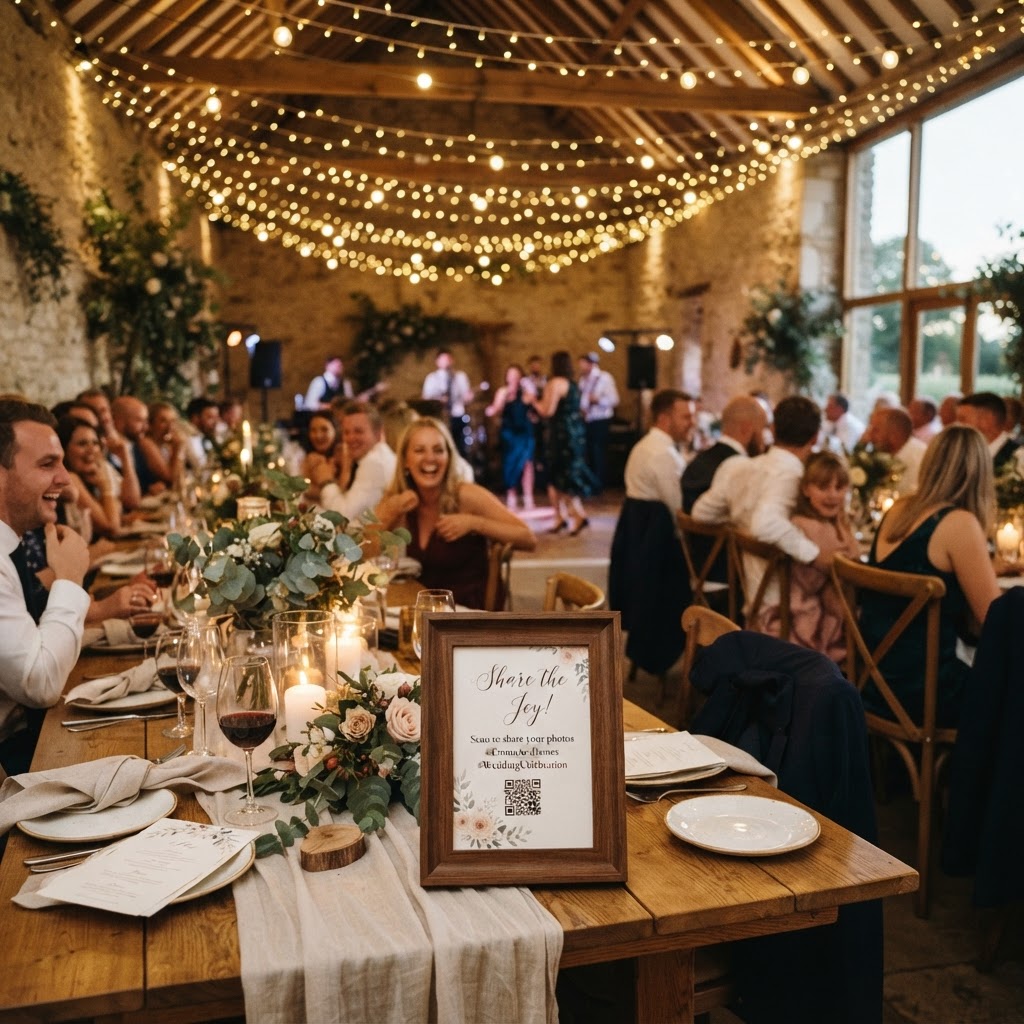
You can collect guest photos by providing a simple QR code on each wedding table that links directly to a mobile browser upload page. This method removes the need for guests to download specific software or register for new accounts. When a guest scans the code with their camera, they open a portal to upload their favourite shots instantly. Keeping the barrier to entry low is the most important factor in your success. People are far more likely to participate if the entire process takes less than ten seconds. You should avoid any system that mandates login details or sign-up forms, as these steps create friction that kills engagement during the event.
Choosing the right moments for guest participation
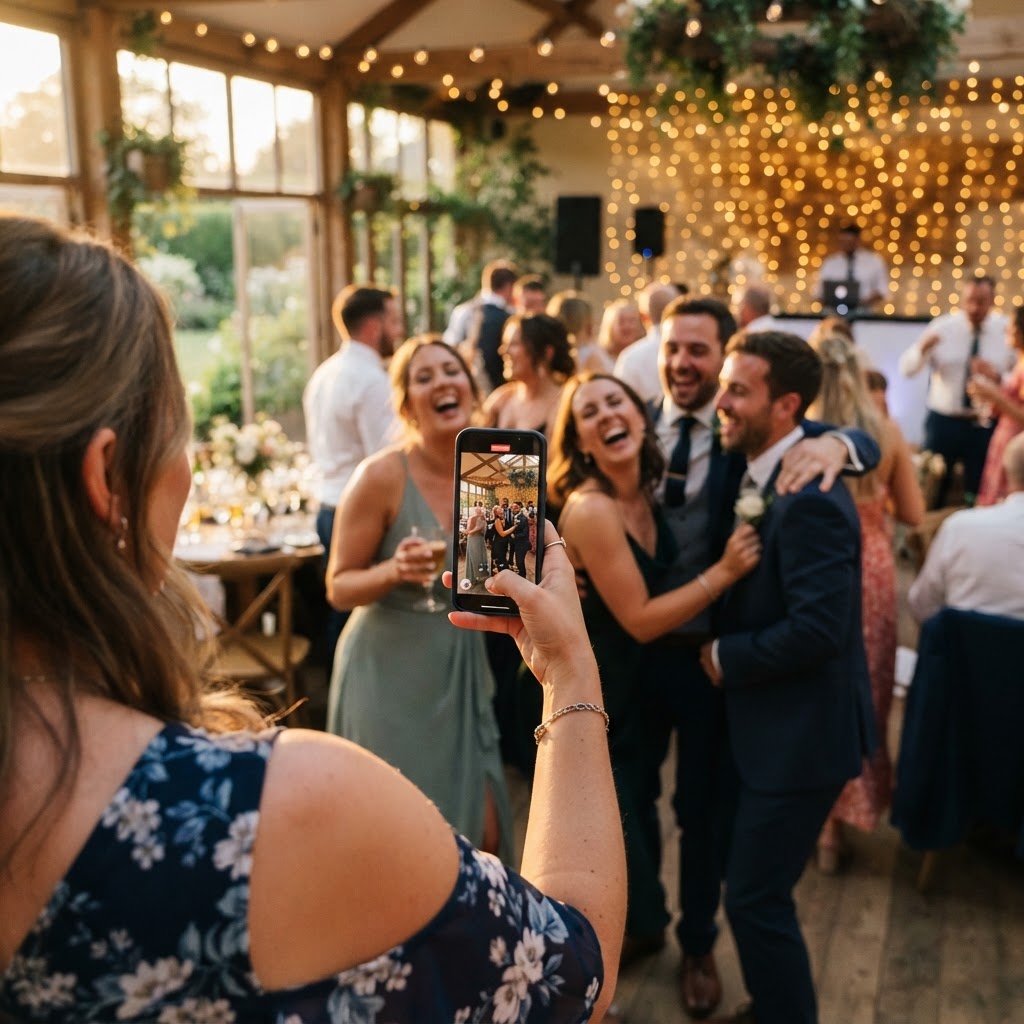
Your guests have different comfort levels with technology and photography, so you should provide gentle guidance. You can print small cards to place at the centre of every table that act as a prompt for specific types of content. For example, you might ask guests to capture the first dance, a candid reaction during a speech, or the most colourful outfit in the room. This approach turns a passive task into a fun social activity. You can even encourage guests to film short video messages or use a green screen feature if the platform supports it. By setting expectations early, you ensure that the content you receive is varied and matches the tone of your celebration.
How long should I keep the digital guest gallery open?
You should keep your guest gallery open for exactly seven days after your wedding date to ensure you capture the post-event energy. Most couples find that the vast majority of relevant content is uploaded during the wedding itself or on the morning after the reception. While it might feel tempting to keep the gallery open for months, a defined closing period encourages your friends and family to act quickly rather than procrastinating. You must remember that these digital spaces are not designed as long-term archives. Once you have downloaded your preferred images, you should move them to your personal computer or a cloud storage provider. On most platforms of this nature, the gallery is deleted permanently after 90 days to respect user privacy and storage constraints.
Managing privacy and guest comfort levels
Privacy is a significant concern for many attendees who may feel uncomfortable with their images being shared on public social media channels. You should choose a system that keeps the digital gallery private and accessible only to your circle of guests. This creates a secure, closed-loop environment where people feel safe uploading those funny, blurry, or intimate shots of the dance floor. When guests know their photos are going directly to the couple and not to the entire internet, they are much more willing to participate. You can reinforce this sense of security by explicitly mentioning on your table cards that the gallery is private and will only be shared with the couple.
Displaying photos during the wedding reception
A live slideshow is an excellent way to boost engagement and show your guests that their contributions are valued in real time. As people upload their photos, the gallery updates to project those images onto a screen or wall at the venue. This creates a feedback loop that encourages others to start taking more photos. When a guest sees their own image on the big screen, it generates a sense of excitement and community. Ensure that your chosen system can handle this live streaming capability smoothly. You should test the setup at the venue during your rehearsal or prep time to ensure the projection angle and lighting work well with your chosen display.
Storing and organising your digital wedding memories
Professional wedding photographers are experts at capturing formal portraits and key structural moments, but they cannot be everywhere at once. You should treat the professional album as your legacy collection for formal printing and display. Conversely, consider the guest-sourced gallery as your informal, raw archive of the event. These two sets of images serve different purposes and should be kept in separate folders on your hard drive. Because guest photos often arrive in various formats and aspect ratios, you should use a simple folder structure sorted by event segments, such as arrival, speeches, and evening party. This makes it much easier to browse through the collection on your first anniversary without having to filter through thousands of files.
Budgeting for your photo sharing tools
Budgeting for this service should be straightforward and transparent, ideally involving a single upfront payment. You can expect to pay around £39 for a standard wedding package that includes the digital gallery and live features. Avoid services that require a monthly subscription, as you only need the storage space for a very short window of time. Since the gallery is deleted after 90 days anyway, a subscription model does not align with the product lifecycle of a wedding photo collection. Always confirm that your payment covers the full duration of your event and the required post-event window. By investing a small amount in a simple, browser-based solution, you ensure that the visual narrative of your wedding is as rich and authentic as possible, using the Moment49 system for your event.