What is guest photo sharing for weddings?
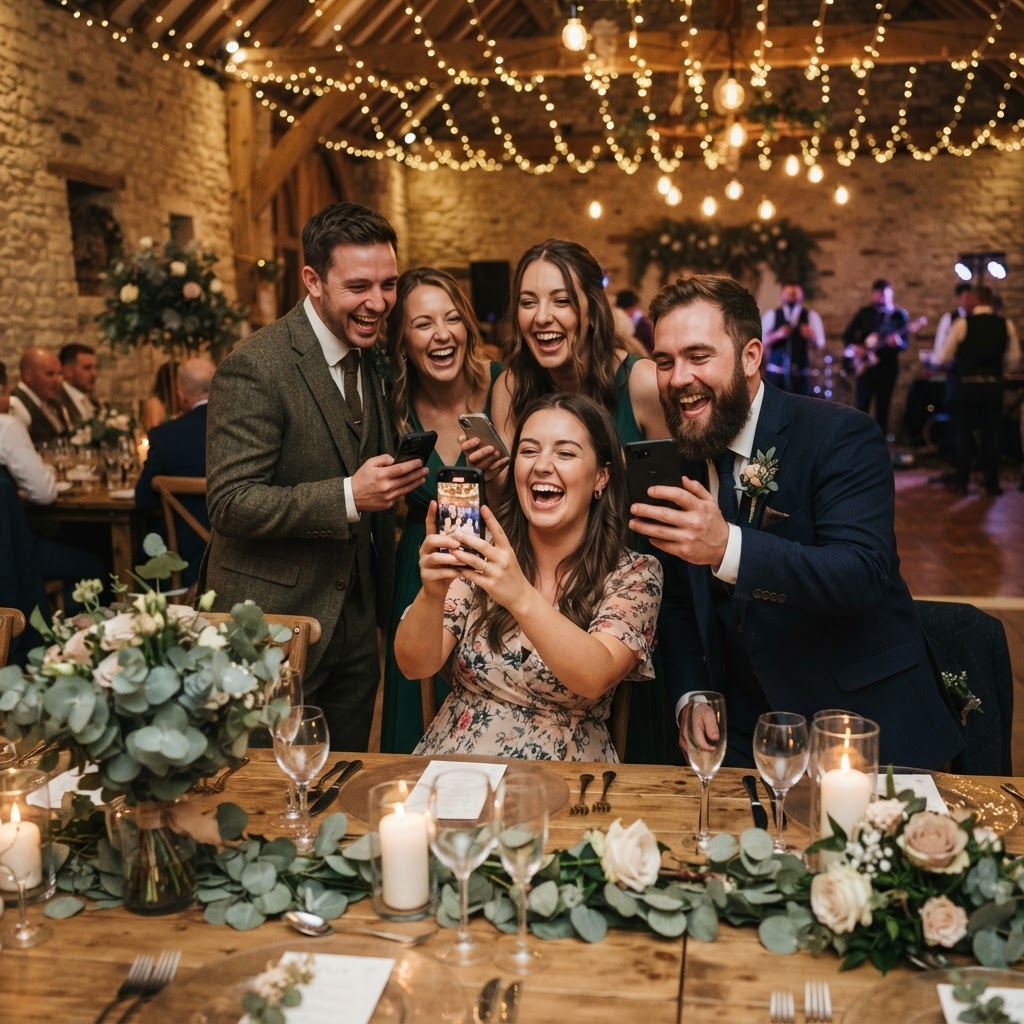
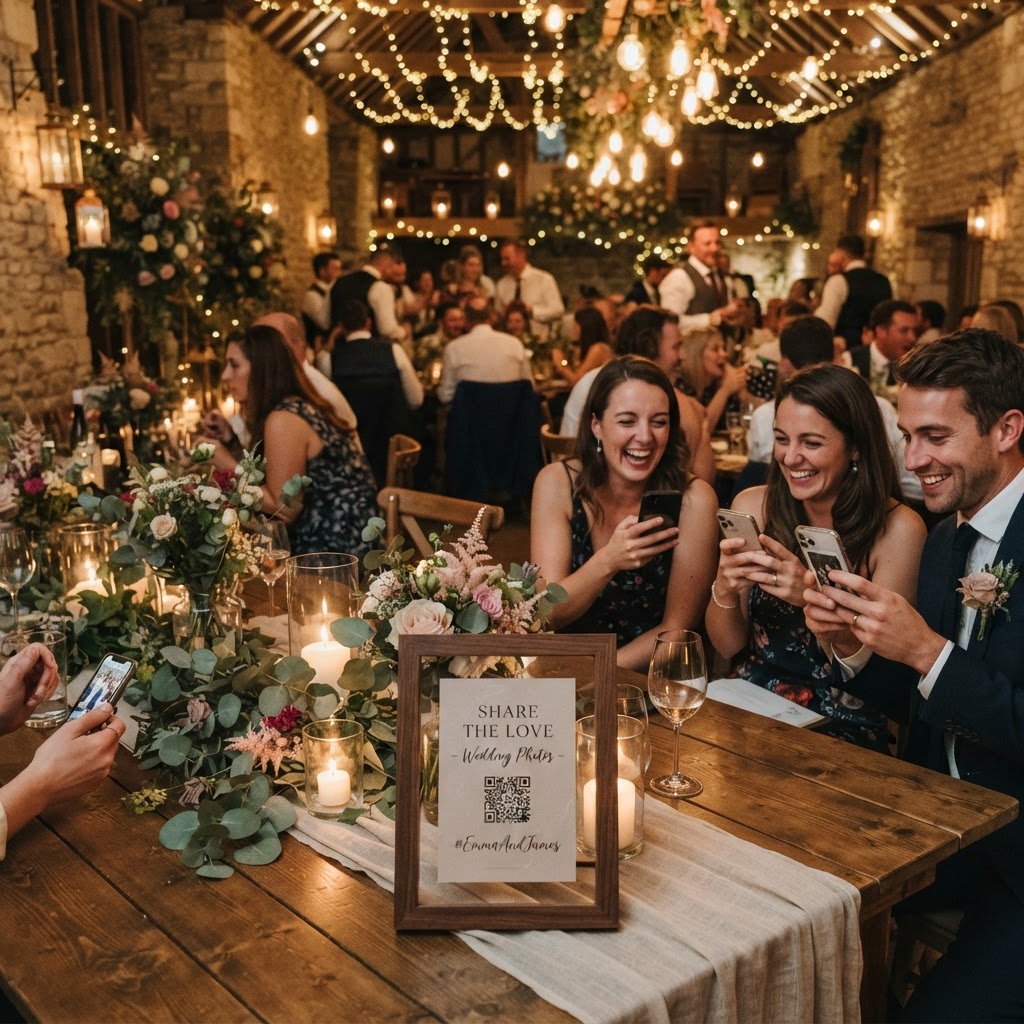
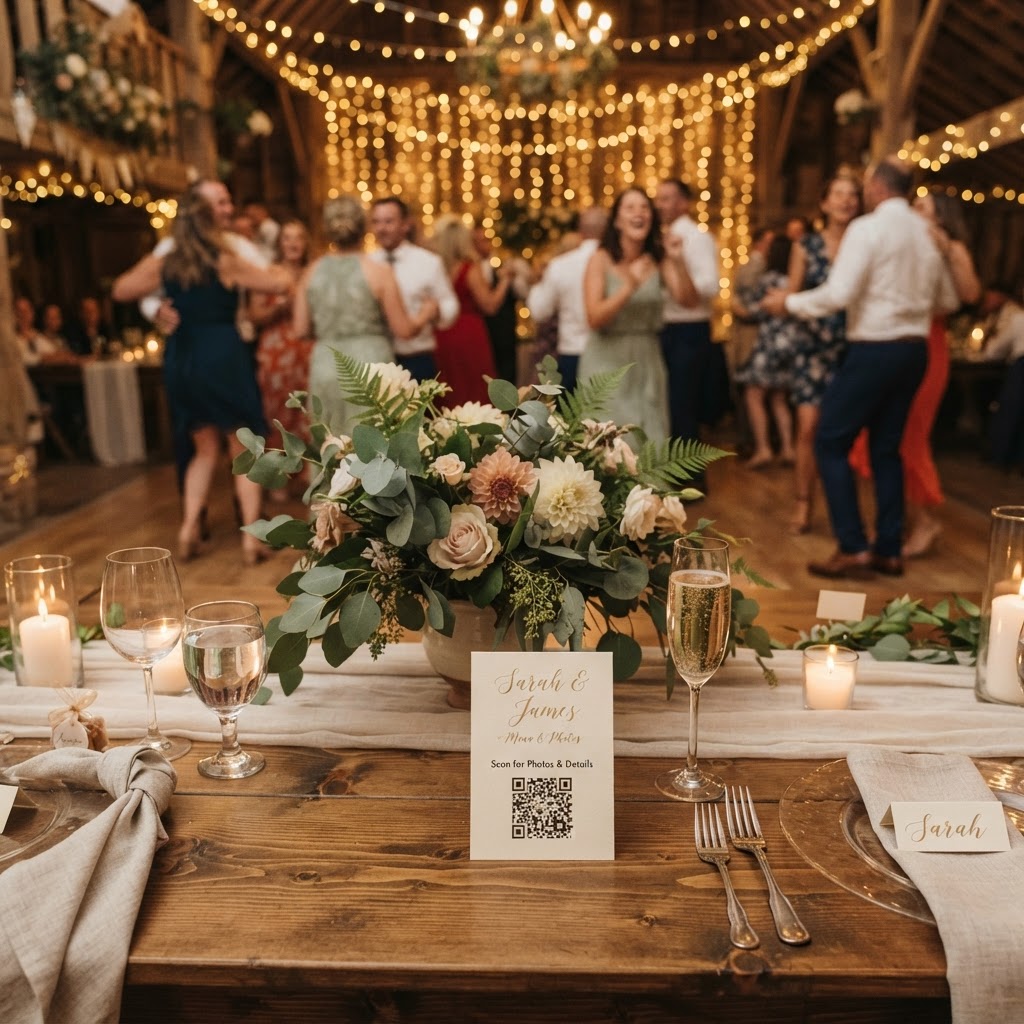
Guest photo sharing is a digital collection system where wedding attendees upload their mobile photos and videos to a central private gallery by scanning a QR code located at the venue. This process eliminates the need for guests to download specific applications or create personal accounts, which are common barriers to participation. By using a standard web browser on a smartphone, guests can contribute content instantly throughout the day. This technology ensures that candid moments captured by friends and family are aggregated alongside professional photography. The collection usually remains open for a short period after the event, and the resulting gallery acts as a communal, temporary record of the day.
How do I encourage guests to share photos without apps?
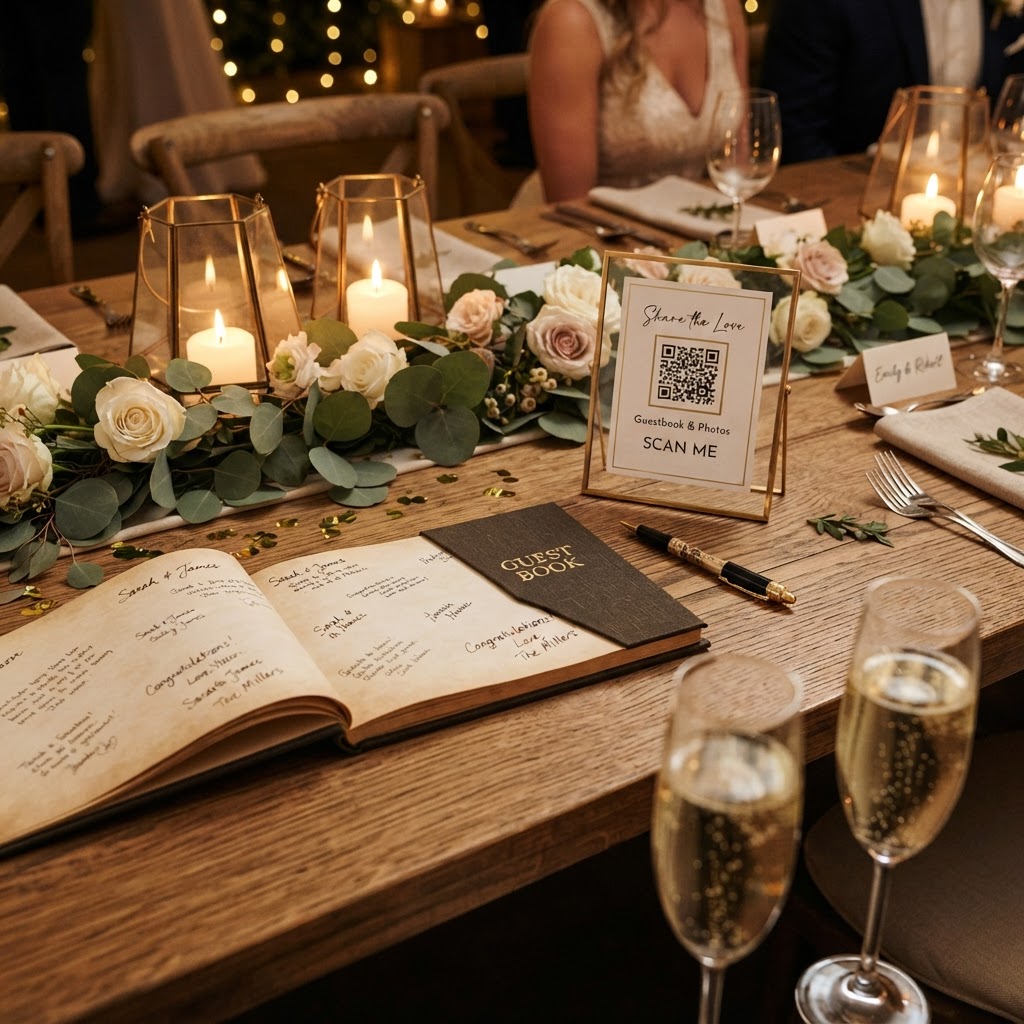
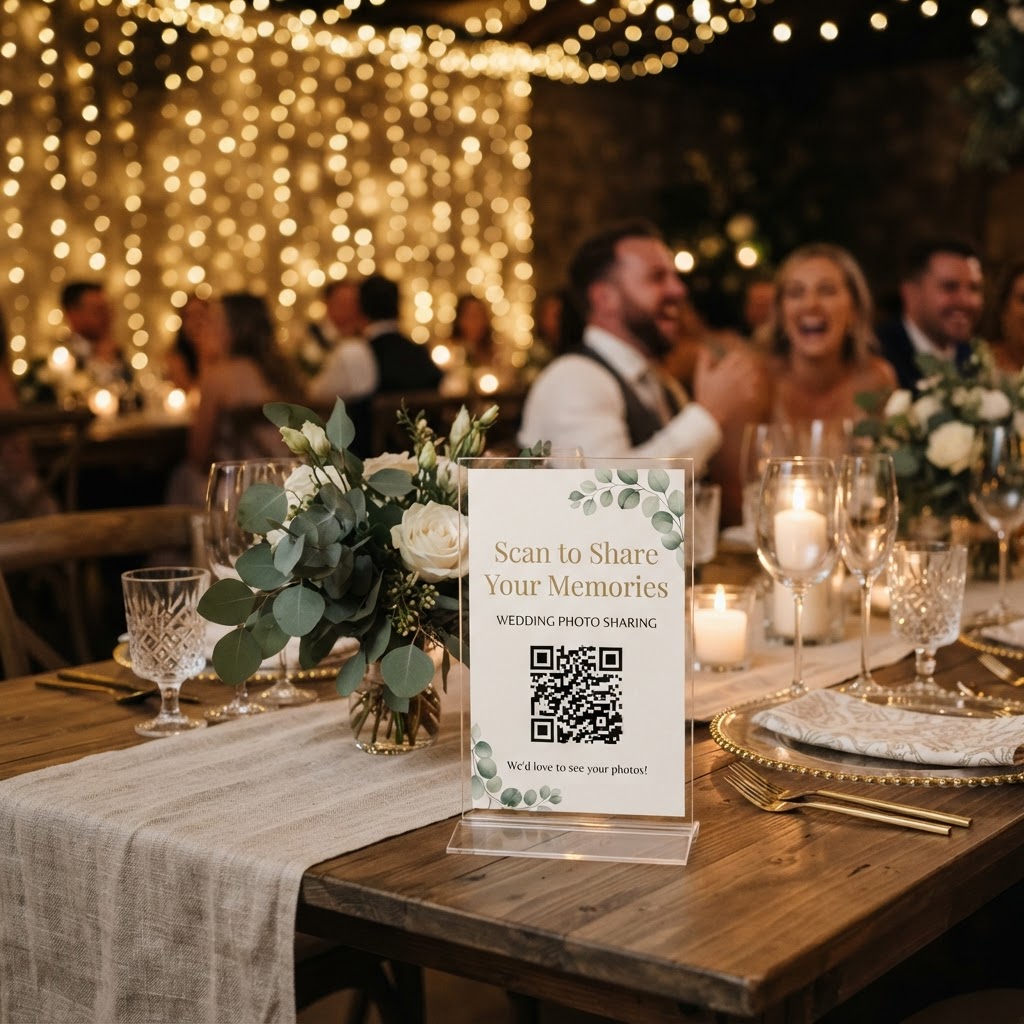
You encourage participation by removing all technical friction from the process so that uploading a photo feels as natural as taking one. Guests are often hesitant to download new software for a single event, so choosing a system that relies entirely on a web browser is the most effective approach. Position your QR code prominently in locations where guests naturally linger, such as table centres, the bar area, or the entrance. A small card on each table is particularly effective because it acts as an immediate icebreaker for guests who may not know their fellow table members well. Use clear, direct language on your signage, such as 'Scan to share your favourite photos' rather than complex instructions. If a guest can scan, click, and upload within ten seconds, your participation rates will be significantly higher than if they have to navigate sign-in screens or verification emails.
How do I use photo challenges to get better content?
You use photo challenges to provide structure and inspiration for guests who might otherwise only take traditional group selfies. By issuing a list of specific missions, you steer the collective focus of the room toward the smaller, more interesting details of your day. Print these prompts on your table cards or display them on a small chalkboard near the dance floor. Suggest that guests capture specific things like the most elaborate hat in the room, a photo of a grandparent laughing, or a close-up shot of the wedding cake. Other successful prompts include asking for behind-the-scenes glimpses of the venue decor or candid photos of people enjoying the evening food. This gamification transforms guests from passive observers into active contributors who feel like they are helping to document the story of the wedding. When you give people a specific task, they look for beauty in places they might have otherwise ignored.
Does a live slideshow improve the wedding reception?
A live slideshow improves the reception by providing real-time entertainment that highlights the guest perspective as the event unfolds. Many systems allow you to project incoming uploads onto a large screen or monitor throughout the evening. This creates a feedback loop where guests see their photos appear quickly, which encourages them to take more. It also allows people who are sitting in different areas of the venue to see what is happening elsewhere, such as the dance floor or the cocktail lounge. Ensure that your screen is positioned in an area where it does not distract from major formal moments like the speeches. A live feed acts as an engaging backdrop that brings the room together and maintains energy during transitions, such as when the couple is away for formal portraits.
What are the practical limitations of guest photo sharing?
The primary limitation is that these platforms are designed as active collection tools rather than permanent long-term digital archives. Most services, including the one provided by Moment49, keep guest uploads open for exactly seven days following your event to capture all lingering contributions. After this window, the gallery typically remains available for a set period, often ninety days, before it is permanently deleted from the servers. You must remember to download all the photos and videos you want to keep before this ninety-day deadline passes. This structure is intended to prevent the platform from becoming a permanent cloud storage solution, which requires different infrastructure and costs. Treat this as a bridge to collect content for your immediate post-wedding viewing, and transfer your favourite files to your own personal computer or a dedicated cloud backup service promptly after the wedding.
How do I manage privacy and etiquette for guests?
You manage privacy by using a secure, closed-loop gallery that is only accessible to invited guests rather than a public social media link. Inform your guests through your wedding invitations or your event website that you are using a specific, private platform to collect images. This reassures guests who might be camera-shy that their photos are not being broadcast on the open internet for strangers to see. Explain that the gallery is for your own personal keepsake and will be deleted after a few months. When guests know they are sharing photos in a safe, controlled environment, they are far more likely to be authentic and candid. It is also helpful to remind them that professional photos are being taken for formal needs, and their mobile shots are purely for capturing the fun and relaxed moments that define the atmosphere. By keeping the digital space exclusive, you protect the privacy of everyone in attendance and ensure a comfortable experience for your friends and family.
Using a simple, browser-based system allows you to build a collective digital album without the stress of managing hardware or complex permissions. It is a straightforward way to see your wedding through the eyes of those you love most. Moment49 provides this tool for a single, flat fee per event, ensuring you can gather these memories without the recurring cost of a subscription.